


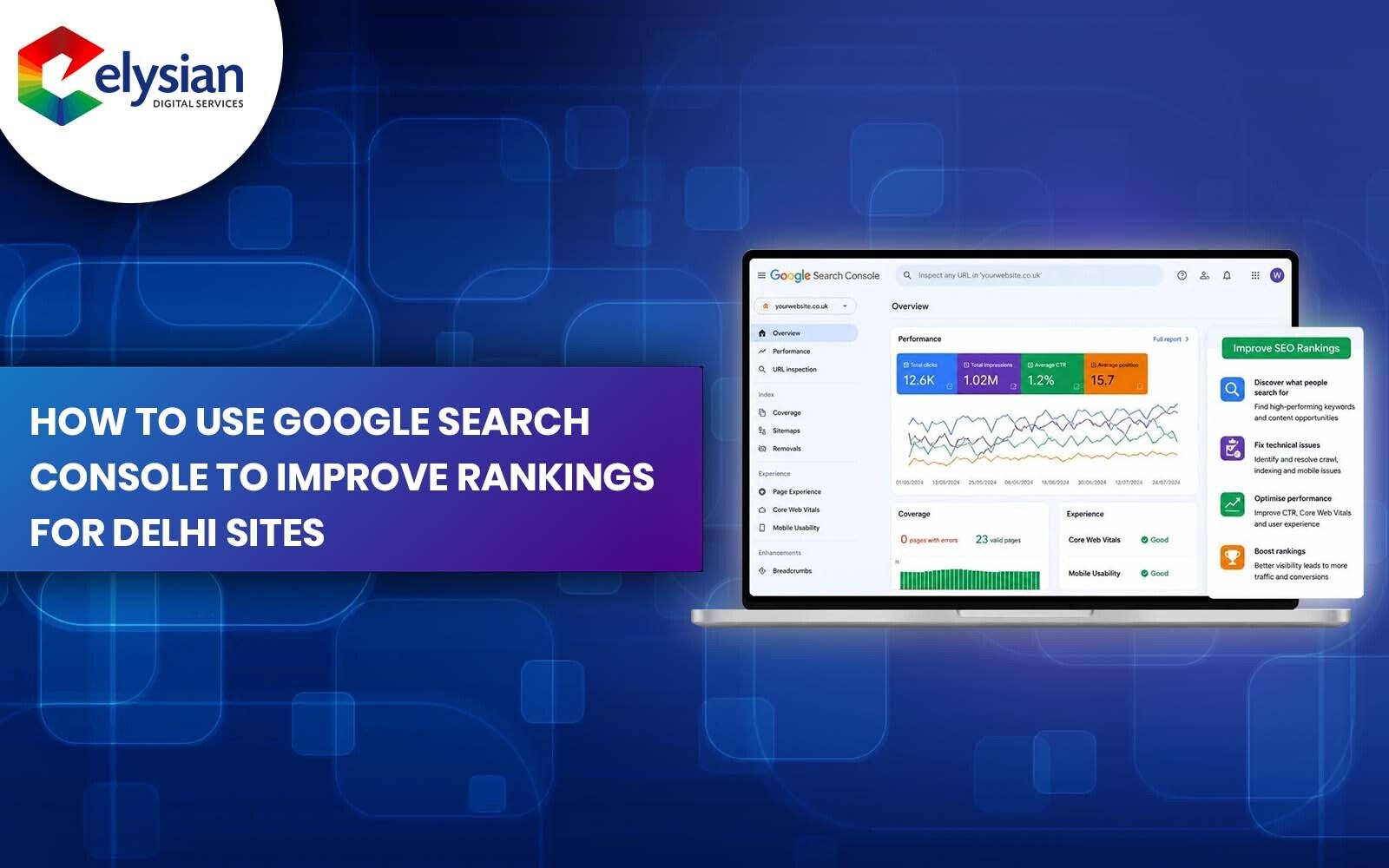
Google Search Console is the most direct way a Delhi business can see how Google actually views its website, which queries bring traffic, which pages are struggling, and which technical issues are quietly limiting visibility. This guide walks through exactly how to read that data and turn it into ranking improvements.
Google Search Console (GSC) is a free tool from Google that shows how your website performs in Google Search, the exact queries triggering impressions, the pages Google is indexing, and any technical problems affecting visibility. For a Delhi business, this matters because it's the only source that shows real search queries your local customers are typing, rather than assumptions about what they might search.
Unlike Google Analytics, which tracks what happens after a visitor lands on your site, GSC shows what happens before that, impressions, clicks, and average position in the search results. Unlike Google Business Profile, which governs your presence on Maps and the Local Pack, GSC governs your organic website presence in regular search results. The two overlap in purpose but report entirely different data.
For most Delhi businesses managing a single website, the Domain property is the better choice, it consolidates http, https, www, and non-www versions into one clean dataset instead of splitting your data across four properties.
The four core metrics in the Performance report, clicks, impressions, average CTR, and average position, together tell you whether a page is being found, and if so, whether it's convincing enough people to click.
Impressions count how often your page appeared in search results for a query, regardless of whether it was clicked; clicks count actual visits. A page with high impressions but low clicks is visible but not compelling, usually a title or meta description problem rather than a ranking problem.
This is the average rank of your page across all the queries and searches that triggered it, not a single fixed rank. A page showing average position 6 might rank position 2 for one query and position 14 for anothe, always check the query-level breakdown before acting on the average.
CTR measures the percentage of impressions that resulted in a click. In our experience auditing Delhi-based websites, CTR below 2% at positions 1–5 usually signals a weak or generic title tag, since well-optimised pages at those positions typically pull higher.
This is the exact list of terms triggering your page in search, the most direct evidence of how Delhi customers phrase what they're looking for, including local variations you may not have targeted intentionally (e.g. "clinic near [locality]" instead of your targeted "clinic in Delhi").
Keywords already ranking on positions 4–20 are usually easier wins than starting a new keyword from zero, because Google has already established some relevance for the page, the gap to close is smaller.
Step-by-step:
Delhi example: A diagnostic centre's blog ranking at position 9 for "full body checkup cost Delhi" is a stronger near-term opportunity than trying to rank a brand-new page for "diagnostic centre Delhi" from scratch, since the existing page already has partial relevance Google has recognised.
A low-CTR page is one receiving decent impressions but a click rate well below what its position would typically earn, this is identified by cross-referencing the Position and CTR columns in the same report, not CTR alone.
| GSC Signal | What It Means | SEO Action |
|---|---|---|
| High impressions + low CTR | Search visibility exists but the listing isn't compelling | Rewrite title tag and meta description |
| Position 4–10 | Near page-one opportunity | Strengthen content depth and internal links |
| Position 11–20 | Page-two opportunity | Improve topical relevance and page authority |
| Falling clicks with stable impressions | Listing is becoming less appealing, not less visible | Test title/meta variations |
| Not indexed | Page unavailable in Google's index | Investigate indexing or canonical issues |
Practical fixes for low CTR:
A ranking or traffic drop is identified by comparing two date ranges in the Performance report, typically the last 28 days against the prior 28, or year-over-year for seasonal businesses.
What to check, in order:
When we audit Delhi-based websites showing a sudden drop, the cause is more often a technical change (broken redirect, altered title tag, accidental noindex tag) than an actual Google algorithm penalty, it's worth ruling out the simple explanation first.
The Page Indexing report shows exactly which URLs Google has indexed and which it hasn't, along with the specific reason for exclusion, this is the fastest way to confirm whether a page is even eligible to rank at all.
Common statuses and what they mean:
What should be fixed vs left alone: Not every "not indexed" page is a problem, thin tag pages, filtered URL parameters, or intentionally excluded admin pages are often correctly left out of the index. Fix indexing gaps only on pages meant to attract organic traffic; forcing low-value pages into the index rarely helps and can dilute overall site quality signals.
GSC supports local SEO research by showing which geo-modified queries (e.g. "[service] in Karol Bagh," "[service] near me") are already generating impressions for your site, which helps prioritise which localities and service-area pages to build out next.
It's important to be precise about what GSC does and doesn't cover here: GSC reports organic website search performance only. It does not report Google Maps views, direction requests, or profile calls, those come from Google Business Profile Insights, a separate reporting system entirely. Treat GSC as evidence of website-side local intent, not as a substitute for GBP data.
Practical use: Filter the Queries report by locality names relevant to your service area. If "[service] Rohini" and "[service] Dwarka" both show impressions but no dedicated page exists for either, that's a concrete case for building locality-specific landing pages rather than relying on one generic city-wide page.
Queries with high impressions, low CTR, and positions in the 8–20 range are strong candidates for new blog posts, FAQ additions, or dedicated service pages, because they represent proven search demand your current content only partially satisfies.
How to build a content plan from GSC data:
Emerging impressions, queries that didn't appear in your data a few months ago but are now showing up, are also worth monitoring, as they often signal a shifting trend in how Delhi customers are searching before competitors catch on.
Pages showing strong impressions but stuck in position 6–15 often benefit more from additional internal links than from new content, since internal links pass relevance and authority from established pages to weaker ones.
Practical linking patterns worth building:
Avoid linking for its own sake, GSC data should guide which specific page needs the support, rather than adding links uniformly across the site.
Comparing mobile and desktop performance in GSC's device filter often reveals that a page ranks well on desktop but underperforms on mobile, or vice versa, a gap worth investigating given how much Delhi search traffic is mobile-first.
Steps:
GSC and Google Business Profile track fundamentally different things: GSC reports organic website search performance, while Google Business Profile reports Maps and Local Pack activity including calls, direction requests, and profile views.
| Aspect | Google Search Console | Google Business Profile |
|---|---|---|
| Tracks | Website search performance | Maps/Local Pack activity |
| Shows | Queries, clicks, impressions, indexing | Calls, directions, profile views |
| Best for | Organic content and technical SEO decisions | Local visibility and map ranking decisions |
| Overlap | Both matter for local search, but report separately | Both matter for local search, but report separately |
Neither tool replaces the other, a complete local SEO view for a Delhi business requires checking both regularly, not treating one as a substitute for the other.
A weekly check of the Performance and Indexing reports is sufficient for most Delhi businesses, with a deeper monthly review comparing longer date ranges to catch slower trends that weekly checks can miss.
Checking daily rarely adds value, since GSC data has an inherent reporting lag and short-term fluctuation that can be misread as a trend when it isn't.
Google Search Console itself is free, but interpreting its data correctly and turning that interpretation into actual ranking improvements, content rewrites, technical fixes, internal linking, ongoing monitoring, is where the real time and expertise investment lies.
A business can usually manage GSC internally when:
Professional support tends to make sense when:
It's worth being clear about what each layer of SEO actually involves, since these are often conflated:
At Elysian Digital Services, our SEO workflows are built around this exact GSC-to-action process, from initial data audits through to the content, technical, and local SEO changes it points toward. If your website already gets impressions but isn't converting them into enquiries, that's usually a signal worth investigating with proper data-driven organic growth solutions rather than guessing at fixes.
What is Google Search Console used for in Delhi SEO?
It's used to see exactly which search queries bring visibility to a Delhi website, identify indexing problems, and find pages that are close to ranking well but need targeted improvement.
Does Google Search Console improve rankings directly?
No, GSC is a diagnostic and monitoring tool. It shows you where problems and opportunities exist; the ranking improvement comes from acting on that data through content, technical, or local SEO changes.
Is Google Search Console the same as Google Business Profile?
No. GSC reports organic website search performance, while Google Business Profile reports Maps and Local Pack activity like calls and direction requests. They serve different, complementary purposes.
How often should a local business check GSC?
A weekly scan for indexing errors and sudden performance changes, with a more detailed monthly review, is generally sufficient for most Delhi businesses.
Can GSC help with local SEO in Delhi specifically?
Yes, by showing which geo-modified search queries already generate impressions for your site, though for Maps-specific data like calls and direction requests, Google Business Profile Insights is the correct source, not GSC.
Is Google Search Console free?
Yes, it's a free tool provided by Google. The cost in local SEO work comes from the time and expertise needed to interpret the data and implement the resulting improvements.
Google Search Console won't rank a Delhi website on its own, but it's the clearest evidence available of what Google already sees on your site, and most ranking improvements start with reading that evidence correctly rather than guessing. Treat it as a weekly diagnostic habit, act on the specific pages and queries it flags, and pair it with the local SEO and content work that data points toward.
Learn more about the expert behind this content and their industry experience.

Bijendra Thakur is an SEO Specialist with 7+ years of experience in driving organic growth and dominating search rankings. He specializes in on-page, technical SEO, and advanced content strategies that improve visibility and generate high-quality leads. Bijendra has successfully helped businesses rank on Google’s first page, boost traffic, and achieve long-term results through data-driven SEO techniques.
Discover tailored digital marketing solutions designed to boost your visibility, increase ROI, and support your business growth. Connect with our experts today.
Get In Touch