


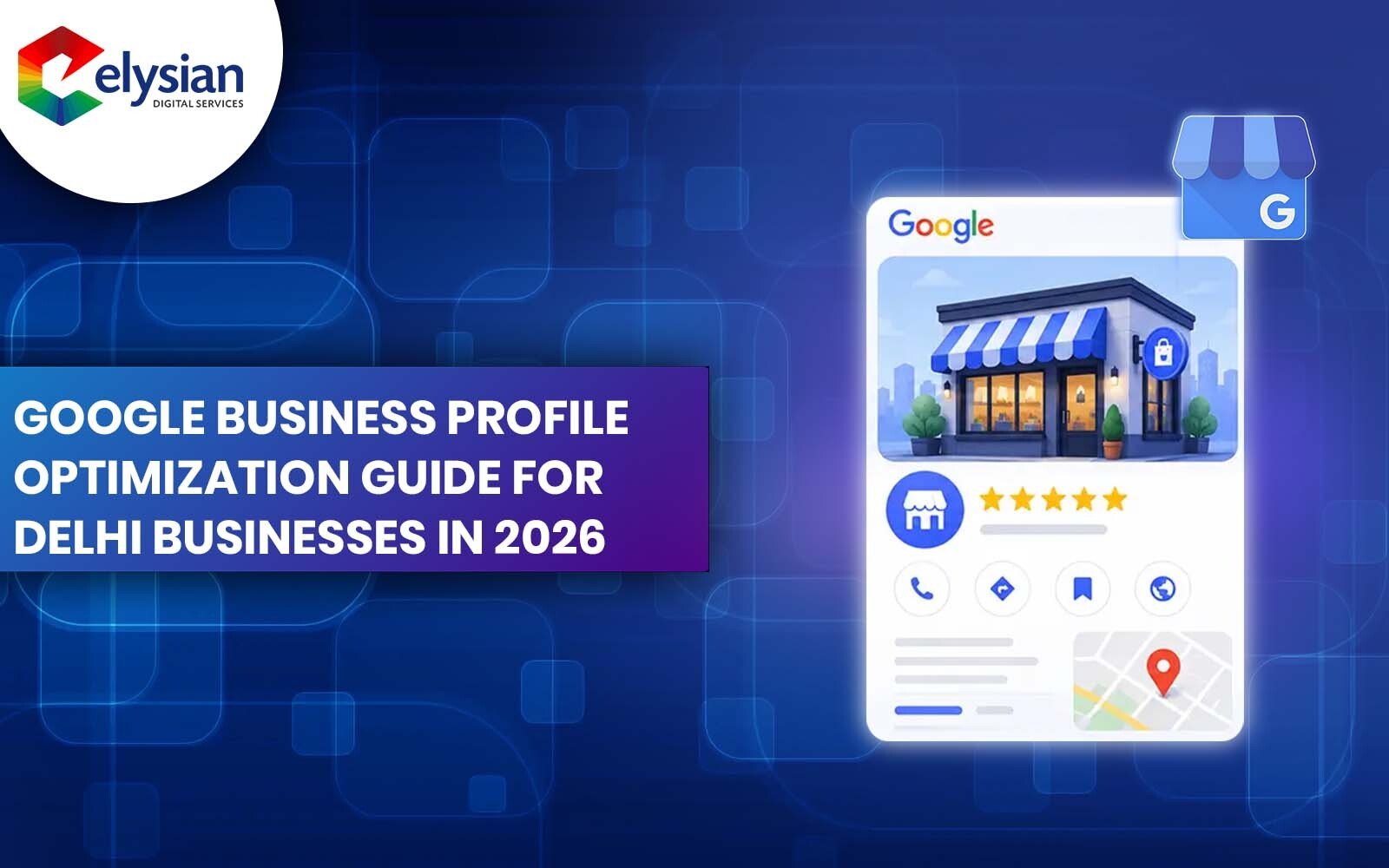
If you've ever searched "dentist near me" or "digital marketing agency in Delhi" on Google, you've already seen Google Business Profile (GBP) in action. Those map listings with photos, reviews, call buttons, and directions that's GBP. And for any Delhi business that wants to be found locally in 2026, getting your GBP listing right isn't optional anymore. It's survival.
What most business owners don't realize is that ranking in Google's local map pack that coveted block of three listings that appears before organic results doesn't require the biggest budget or the oldest website. It requires the right optimization. This guide walks you through exactly what to do, step by step, so your Delhi business shows up when it matters most.
Google Business Profile is a free tool from Google that lets businesses manage how they appear on Google Search and Google Maps. When someone in Delhi searches for a service near them, Google pulls information directly from GBP listings to populate the local pack and those three spots receive a disproportionate share of clicks compared to everything below them.
Here's what makes GBP especially powerful for Delhi businesses in 2026:
The businesses winning in Delhi's local search results aren't necessarily the biggest or the oldest. They're the ones with the most complete, accurate, and actively managed GBP listings.
Before any optimization is possible, you need a verified GBP listing. Here's how to get started:
If you don't have a GBP listing yet:
If your business is already listed but unclaimed: Search your business name on Google Maps and look for the "Claim this business" option. Many Delhi businesses have auto-generated GBP listings that nobody manages claiming yours immediately gives you control over the information people are seeing.
Verification timelines in India: Postcard verification typically takes 5–14 days for Delhi addresses. For faster results, see if you qualify for phone or email verification when setting up.
Your primary business category is the single most influential factor in which local searches your listing appears for. Google uses it to match your business to relevant queries.
The mistake most Delhi businesses make: They choose overly broad categories like "Business" or "Service" instead of specific ones like "SEO Agency" or "Orthopaedic Surgeon."
How to choose correctly:
Secondary categories matter too. You can add up to 10 additional categories. For example, a digital marketing agency in Delhi might use:
Delhi-specific tip: Categories like "SEO Agency," "Digital Marketing Agency," and "Marketing Consultant" are highly competitive in Delhi NCR. If you serve a specific area (South Delhi, Noida, Gurgaon), make sure your secondary categories and service areas reflect that specificity.
Google's algorithm rewards completeness. A partially filled GBP listing is a weaker GBP listing it's that simple. Here's a field-by-field breakdown:
Use your real business name exactly as it appears in the real world. Do not add keywords to your business name (e.g., "Elysian Digital Services Best SEO Delhi") this violates Google's guidelines and can get your listing suspended.
If customers come to your physical location, enter your complete address accurately. If you serve customers at their location (like a plumber or a marketing consultant who visits clients), you can hide your address and list your service areas instead.
For Delhi NCR businesses, be specific:
Use a local Delhi number if possible. A local phone number reinforces your location relevance to Google.
Link directly to the most relevant page if you're a clinic, link to your appointment page; if you're a marketing agency, link to your services or contact page.
Keep these accurate and updated. Include special hours for Delhi public holidays and festivals. GBP allows you to set holiday hours in advanc use this feature.
This is your chance to tell Google and potential customers what you do. The first 250 characters are what appear in most views, so lead with your most important information.
Example for a Delhi-based digital marketing agency:
"Elysian Digital Services is a results-driven digital marketing agency in Delhi NCR, helping businesses rank on Google, generate qualified leads, and grow sustainably through SEO, Google Ads, and content marketing. Serving clients across Connaught Place, Lajpat Nagar, Nehru Place, Noida, and Gurgaon since 2018. Book a free audit today."
What to avoid in your description: Don't stuff keywords repeatedly, don't make claims like "#1 in Delhi" without substantiation, and don't include URLs or promotional language like "50% off."
Google has confirmed that businesses with photos receive significantly more direction requests and website clicks than those without. For Delhi businesses competing in crowded categories, photos are a major differentiator.
Photo types to upload:
| Photo Type | What to Include |
|---|---|
| Logo | Clear, high-resolution version of your logo |
| Cover Photo | Your best brand image office exterior, team, or flagship product |
| Interior Photos | Inside your office/store helps build trust before a visit |
| Exterior Photos | Helps customers recognize and find your location |
| Team Photos | Humanizes your business significantly |
| Product/Service Photos | Visual proof of what you offer |
| Work in Action | For service businesses show your work being done |
Photo guidelines for 2026:
Frequency: Upload new photos at least 2–4 times per month. Active profiles signal to Google that your business is engaged and current.
Reviews are arguably the most powerful local ranking signal in 2026. A Delhi business with 80 genuine 4.8-star reviews will almost always outrank a competitor with 10 reviews, even if everything else is equal.
How to generate reviews ethically:
The most effective method is simply asking but timing and approach matter enormously.
What to do with negative reviews: Never ignore them and never respond defensively. A professional, calm response to a negative review often does more for trust than a stream of five-star reviews. Respond within 24–48 hours, acknowledge the concern, and offer to resolve it offline.
What never to do: Don't buy fake reviews, don't ask employees to review the business, and don't incentivize reviews with discounts or gifts all of these violate Google's policies and can result in listing suspension.
Google Posts are short updates similar to social media posts that appear directly on your GBP listing in search results. Very few Delhi businesses use them consistently, which means this is a relatively easy way to stand out.
Types of Google Posts:
Best practices for 2026:
Content ideas for Delhi businesses:
This section is underused by most Delhi businesses and it's a significant missed opportunity. Adding your services (or products for retail businesses) to your GBP listing gives Google more structured information to match your listing to relevant searches.
For service businesses (agencies, clinics, consultants):
For retail businesses:
NAP stands for Name, Address, and Phone Number. For Google to trust your business's location signals, your NAP must be exactly consistent across every online platform where your business is listed.
This includes:
The Delhi-specific challenge: Many Delhi businesses have multiple addresses listed across platforms due to office relocations, old directory listings, or inconsistent formatting (e.g., "Kirti Nagar" vs. "Kirti Nagar Industrial Area"). Conduct a citation audit every 6 months and clean up inconsistencies.
The Q&A section on your GBP listing allows anyone to ask questions about your business and anyone can answer them. This includes your competitors or people with inaccurate information.
Best practice: Seed your own Q&A section with the most common questions your customers ask. Log in with your business account and ask the question yourself, then answer it.
Example Q&As for a Delhi digital marketing agency:
Q: Do you offer SEO services for small businesses in Delhi?
A: Yes, we work with businesses of all sizes across Delhi NCR, offering tailored SEO packages starting from ₹8,000/month.
Q: How soon can I expect results from SEO?
A: Most clients see measurable improvement in 3–4 months, with stronger rankings and consistent lead flow by month 6.
Q: Do you offer free consultations? A: Yes, we offer a free 45-minute strategy call and website audit for all new enquiries.
Monitor the Q&A section weekly if a customer or random person posts an inaccurate answer, you can flag it for removal or correct it.
Your GBP dashboard provides data that most business owners never look at and it's genuinely useful. Under "Performance" you'll find:
Review these metrics monthly. If your "calls" metric is low but your views are high, your profile might need stronger CTAs or better phone number visibility. If a specific search query is driving traffic unexpectedly, consider creating a blog post or landing page around that term.
Google Business Profile is the foundation of local search visibility, but it works best as part of a broader local SEO strategy. GBP optimization should be paired with location-specific pages on your website, local keyword targeting in your content, and consistent citation building across Indian business directories.
For Delhi businesses serious about dominating local search, the real power comes when your GBP signals, your website's local SEO foundation, and your review velocity all work together. GBP alone can get you into the local pack but a complete local SEO system keeps you there and grows your share of local traffic month over month.
If your business operates in a highly competitive category in Delhi healthcare, legal, real estate, education, or digital marketing you'll want to look beyond basic GBP setup and invest in the full local SEO stack.
Mistake 1: Using a keyword-stuffed business name Adding "Best SEO Agency Delhi" to your business name field is a guideline violation. Google regularly audits and can suspend listings that do this.
Mistake 2: Not responding to reviews Every review positive or negative deserves a response. Ignored reviews signal a disengaged business.
Mistake 3: Wrong business category This is the most impactful mistake. A plumber listed as a "Contractor" will miss thousands of monthly searches.
Mistake 4: Inconsistent NAP If your address says "Kirti Nagar" on your website but "Kirti Nagar Industrial Area" on JustDial, it creates confusion for Google's local algorithm.
Mistake 5: Uploading photos once and forgetting Static profiles rank lower than active ones. Regular photo uploads and posts signal an active, relevant business.
Mistake 6: Ignoring the Q&A section Leaving it unmanaged means anyone can fill it with inaccurate information about your business.
For most Delhi businesses, the timeline looks like this:
GBP optimization is not a one-time task. The Delhi businesses that consistently show up in the local pack are the ones treating their GBP like a living asset updating it, posting to it, and responding to reviews every single week.
For some businesses, the steps above are manageable in-house especially if you have a team member who can dedicate 2–3 hours per week to GBP management. For businesses in highly competitive categories, or those who want to integrate GBP optimization with a full SEO services strategy, working with specialists makes sense.
The difference between a self-managed GBP and a professionally optimized one when paired with technical SEO, on-page optimization, and citation building can be the difference between appearing on page 2 of Maps results and being one of the three businesses that captures 70%+ of local clicks.
Elysian Digital Services is a Delhi-based digital marketing agency that has helped businesses across healthcare, legal, real estate, education, and professional services dominate their local search categories. From GBP setup and optimization to full local SEO campaigns, the team focuses on results that translate directly into calls, enquiries, and revenue not vanity metrics.
Q: Is Google Business Profile free?
Yes, creating and managing a Google Business Profile listing is completely free. You only pay if you choose to run Google Ads.
Q: Can I have multiple GBP listings for one business?
Only if you have multiple physical locations. Creating multiple listings for the same location violates Google's guidelines and can result in all listings being removed.
Q: What is the local pack and how do I get into it?
The local pack is the block of three business listings that appears on Google when someone searches for a local service. To rank in it, you need a verified, complete, and actively managed GBP profile, consistent NAP across the web, relevant local website signals, and a strong review profile.
Q: How many reviews do I need to rank in Delhi's local pack?
There's no fixed number, but in most Delhi categories, businesses in the local pack have between 30 and 200+ reviews with an average rating above 4.0. More important than the number is the recency fresh reviews are weighted more heavily.
Q: Can a competitor damage my GBP listing?
Unfortunately, yes competitors can suggest edits or flag your listing. Monitoring your GBP profile weekly allows you to catch and revert any unauthorized changes quickly.
Q: Does posting on GBP improve rankings?
Google Posts are a modest but real ranking signal, and more importantly, they improve click-through rate and engagement which are indirect ranking factors.
Google Business Profile is one of the highest-ROI digital marketing investments available to Delhi businesses in 2026 and it costs nothing to use. The businesses showing up at the top of local search results aren't getting there by accident. They've claimed their profile, filled it out completely, built a steady stream of reviews, stayed active with posts and photos, and ensured their information is consistent everywhere online.
Start with the basics claim your listing, complete every field, upload real photos and build from there. Consistency over time is what separates the businesses that dominate Delhi's local pack from those that never appear in it.
According to Google's own research, businesses with complete Google Business Profiles are significantly more likely to be considered reputable by potential customers a direct signal of why profile completeness directly impacts both rankings and conversions.
If you're ready to take your local visibility seriously in Delhi, the steps in this guide are your starting point. Execute them consistently, and your Google Maps presence will begin to reflect the quality of business you've built.
Learn more about the expert behind this content and their industry experience.

Bijendra Thakur is an SEO Specialist with 7+ years of experience in driving organic growth and dominating search rankings. He specializes in on-page, technical SEO, and advanced content strategies that improve visibility and generate high-quality leads. Bijendra has successfully helped businesses rank on Google’s first page, boost traffic, and achieve long-term results through data-driven SEO techniques.
Discover tailored digital marketing solutions designed to boost your visibility, increase ROI, and support your business growth. Connect with our experts today.
Get In Touch